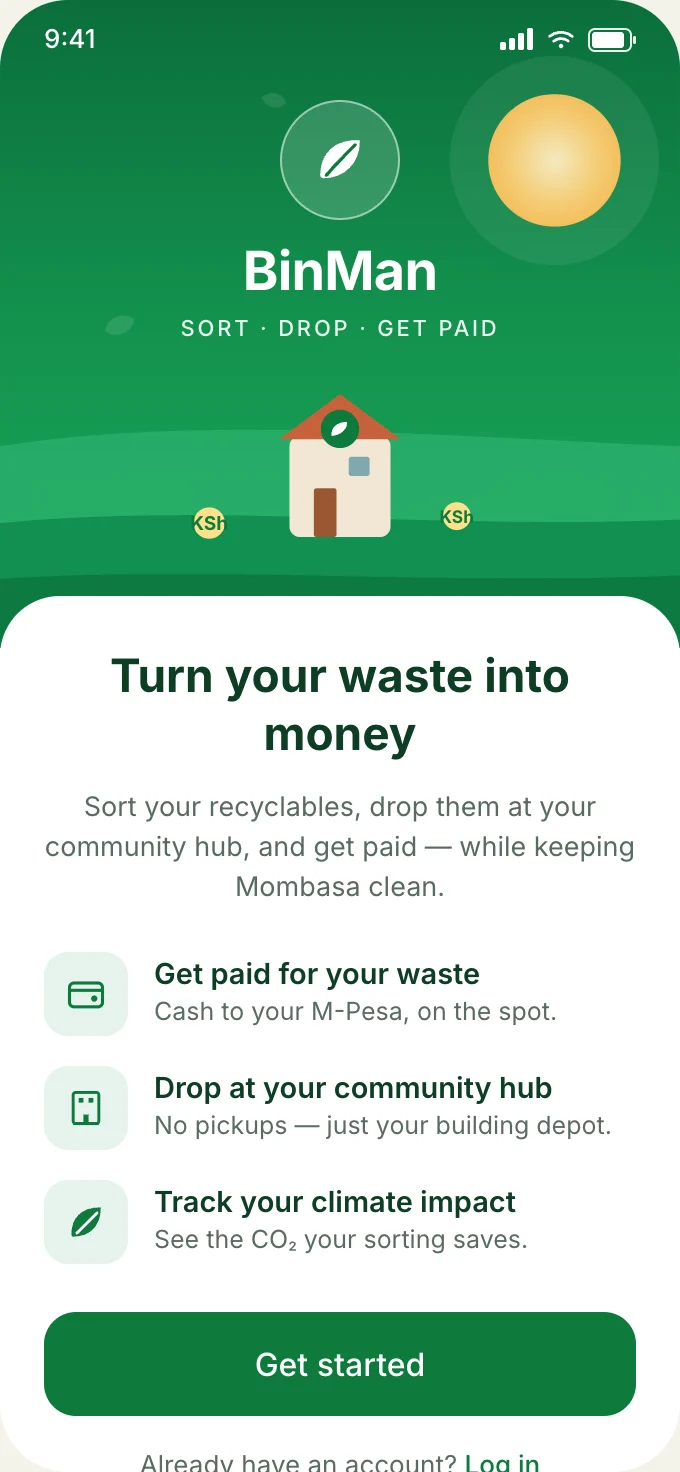
How It Works
From your home.
To its next use.
There are three steps. You separate food waste at home, drop it at your community hub, and a partner collects it for processing. The app records each step.
Step 1 of 3 · At home
Keep food scraps in their own caddy.
Peelings, leftovers and trimmings go in the food caddy, away from dry recyclables. The app shows what your hub accepts and how to prepare it.
Step 2 of 3 · Community hub
Bring it to your building's hub.
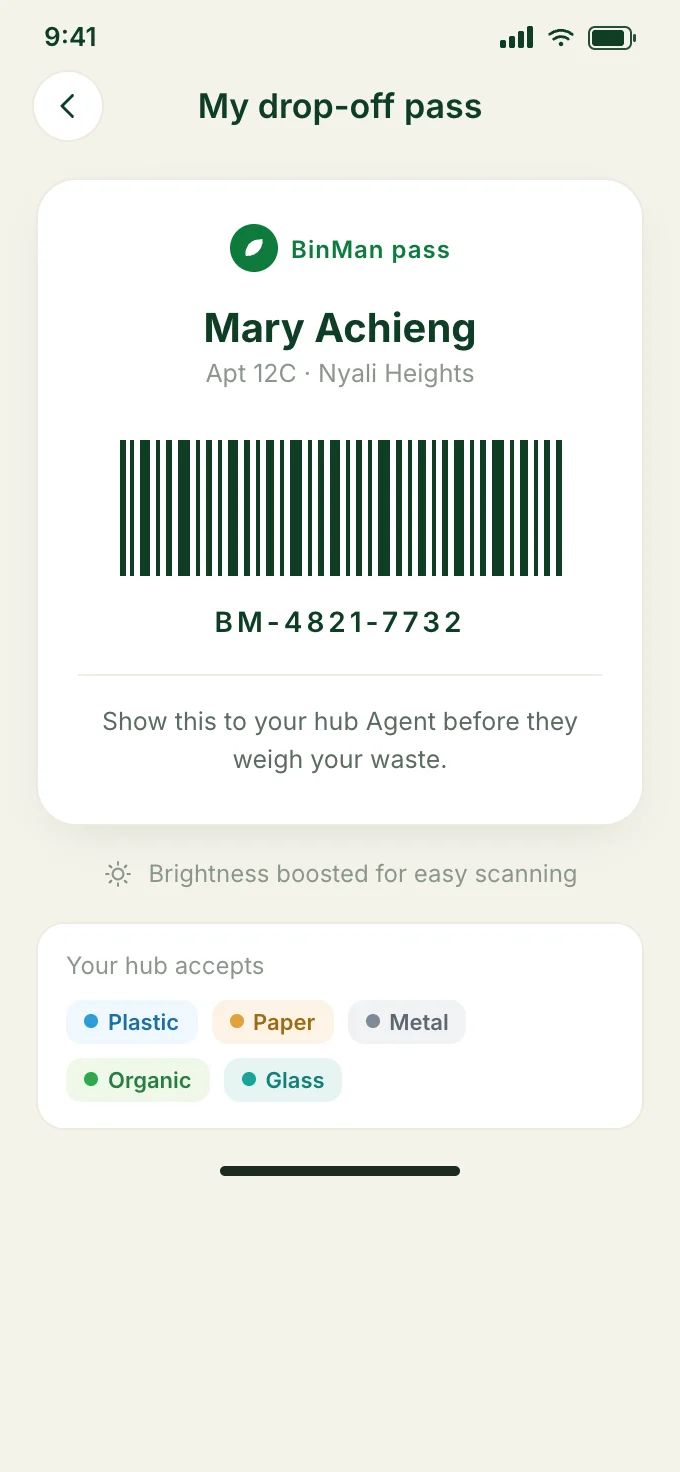
Show your drop-off pass. The hub agent identifies you, records the weight, and keeps each stream apart until its collection day.
Step 3 of 3 · Collection partner
Collected in bulk, sent to the right place.
A collection partner picks up on agreed days and delivers to a processor. Food waste can be composted or used to produce biogas, depending on the facility.
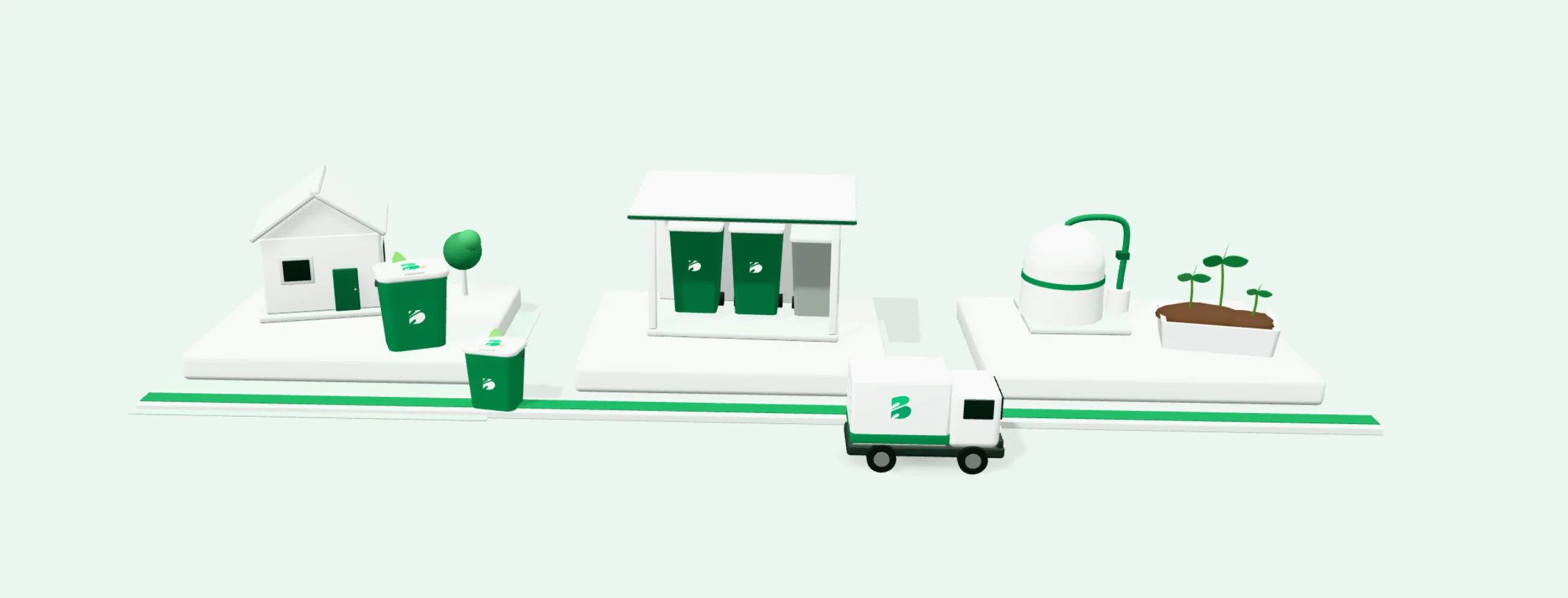
What you do,
step by step.
Households and businesses follow the same steps. Businesses may agree a different collection arrangement with their hub.
- 1
Join a participating community hub
Find the hub at your building or estate in the app. If there isn't one yet, you can register interest.
- 2
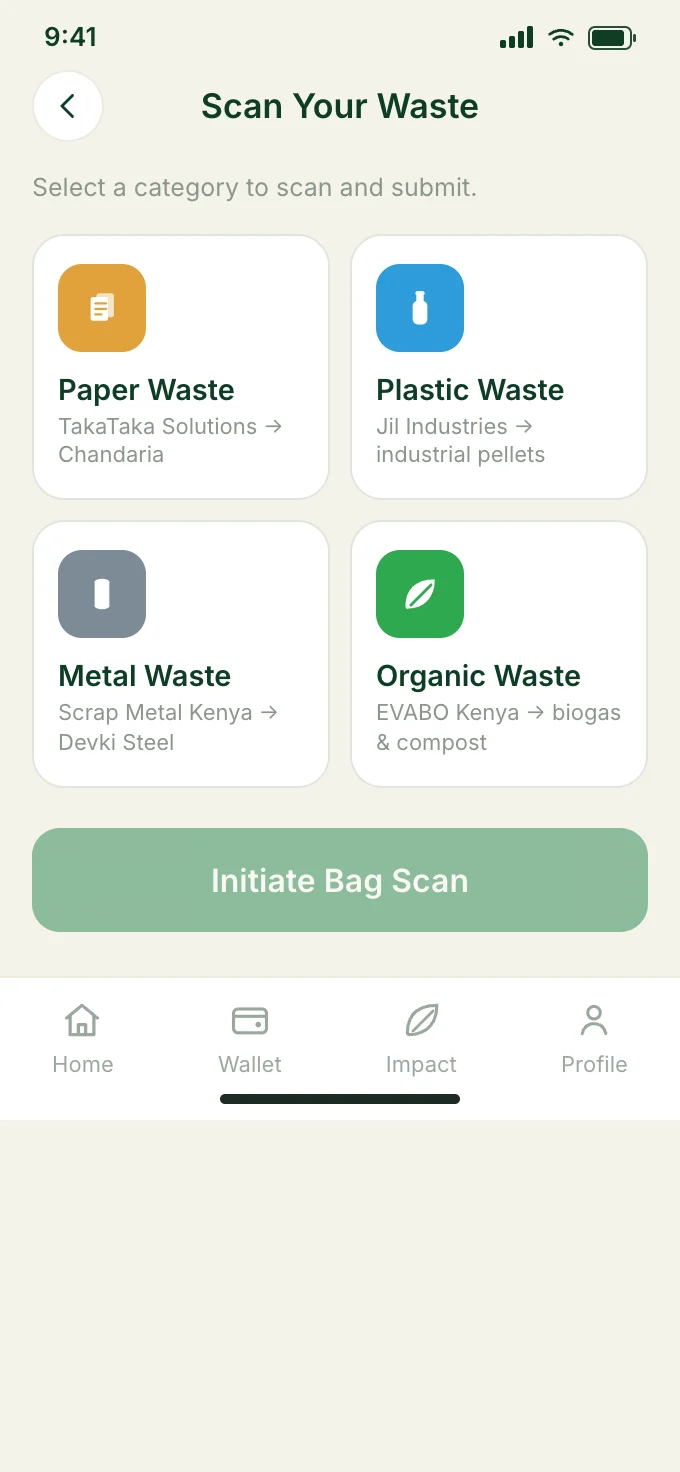
Separate what the hub accepts
Keep food scraps in their own caddy, away from paper, card and other dry material. Drain liquids and leave out plastic bags and foil.
- 3
Identify your drop-off
Use your drop-off pass so the material that arrives can be tied back to your account.
- 4
Drop off through your hub's arrangement
Opening times and access are set locally by the hub.
- 5
Follow what happens next
Once material has been weighed and verified, eligible contributions appear in your wallet. Withdrawals are made to M-Pesa.
Live prototype · Sample data
Explore the app
for every role.
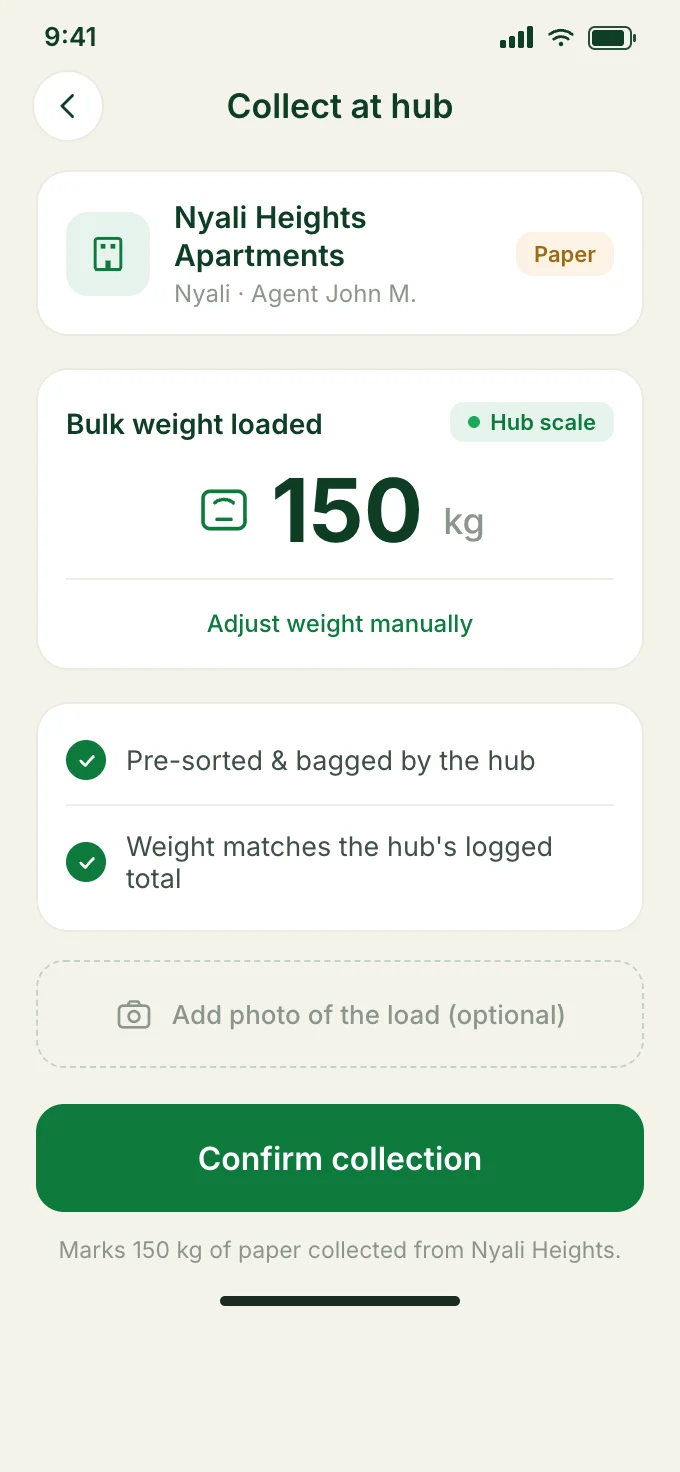
This is the BINMAN prototype itself. Tap, scroll and move between screens. Names, balances and partners are sample data, and nothing here connects to a real account or payment.
Join a hub, sort what it accepts, show your drop-off pass, and follow eligible earnings once material has been weighed and verified.
Jump to a screen